Four tools, stripped down
Everyday tools, made in their simplest possible form.

Ō Camera
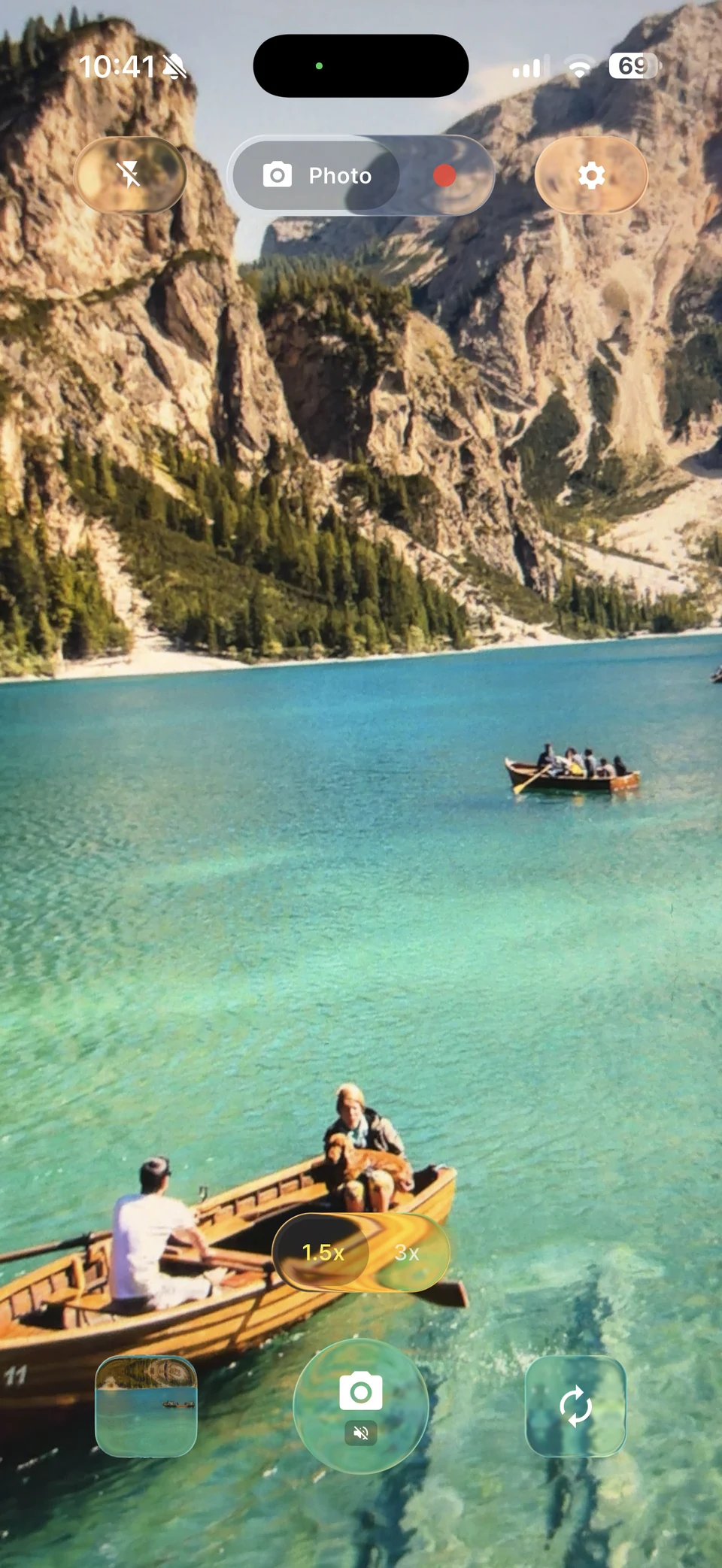
Silent, ad-free, and sharp
A high-quality camera with no shutter sound. Just shooting.
Learn more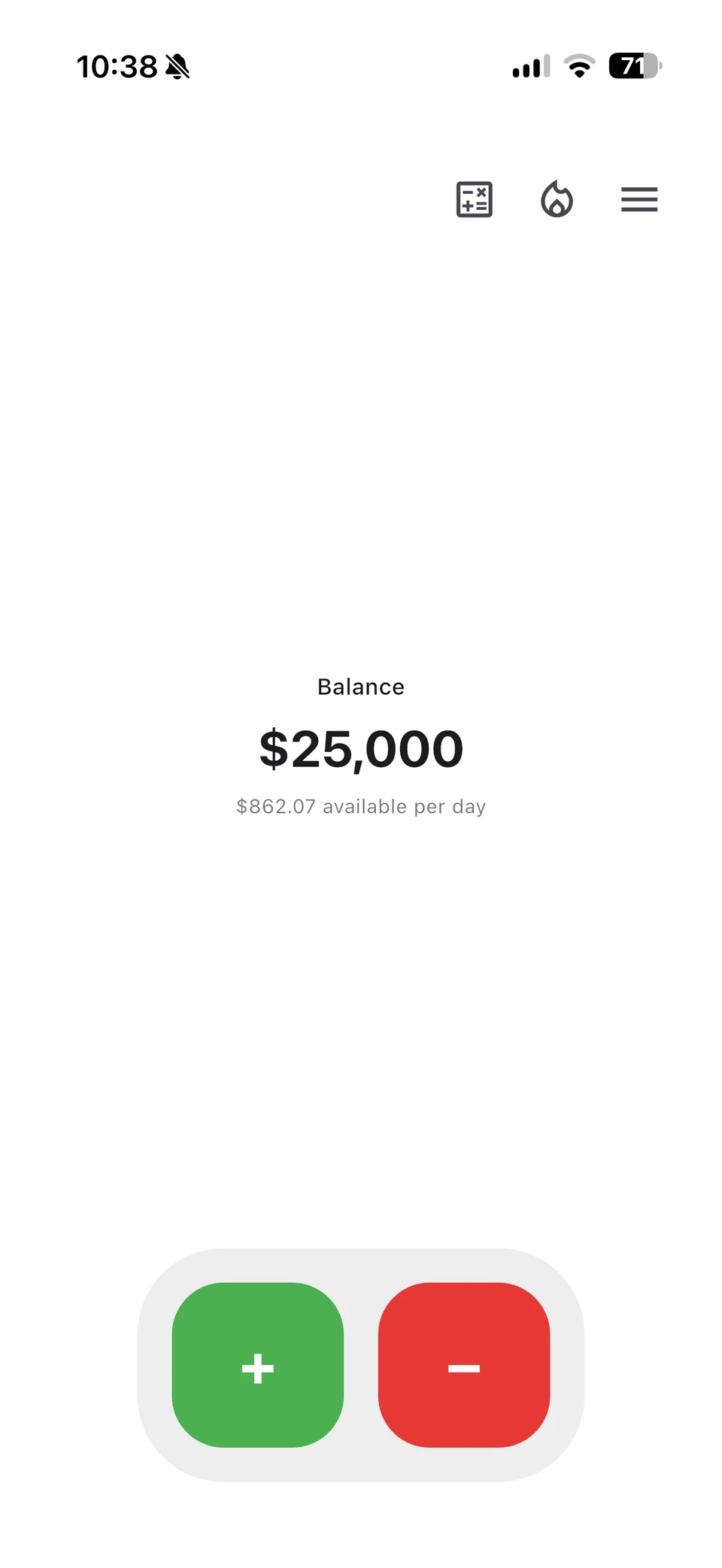

Budget
Know what you can spend, instantly
A budget app that skips the categories and just shows your balance
Learn more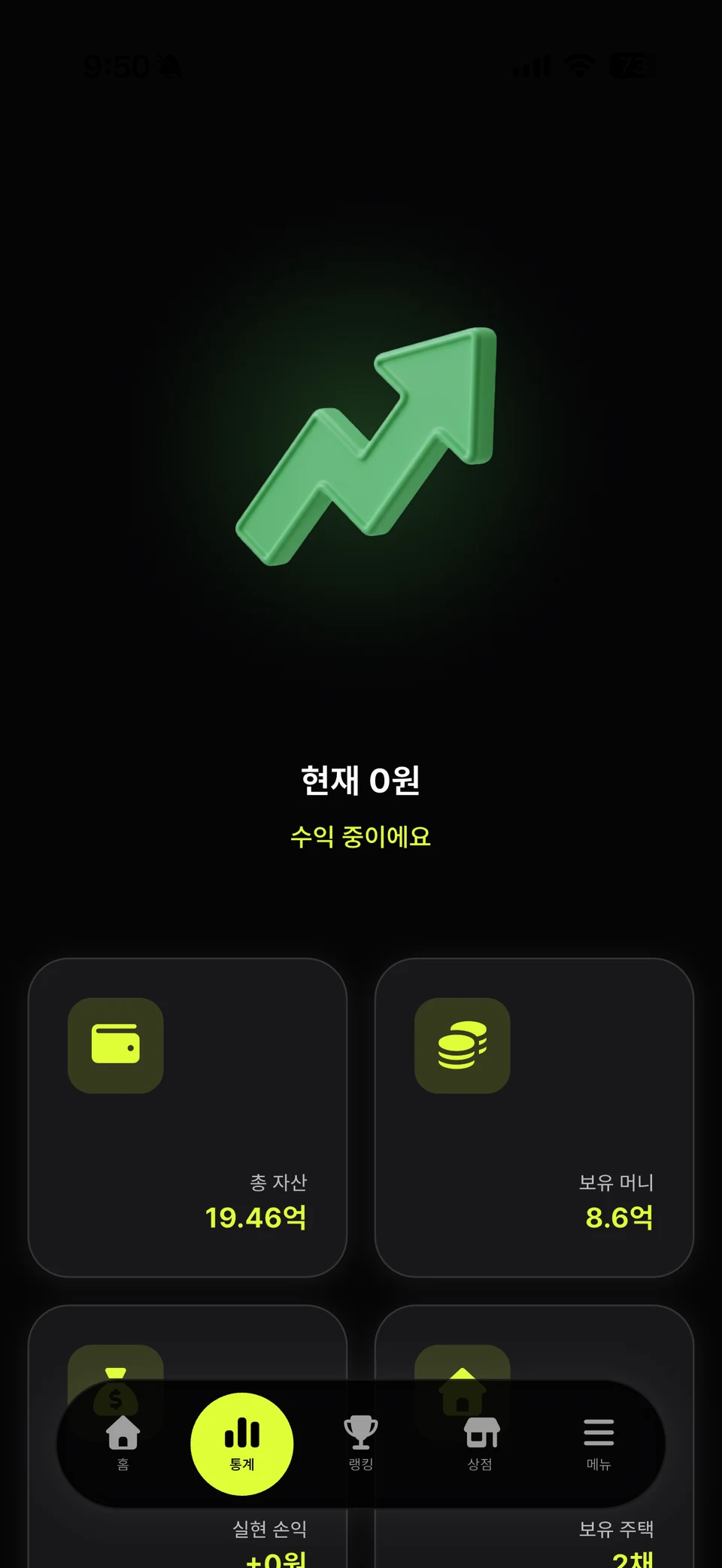

Mobu
Practice property investing, risk free
A simulator for buying and selling Seoul apartments using real transaction data
Learn more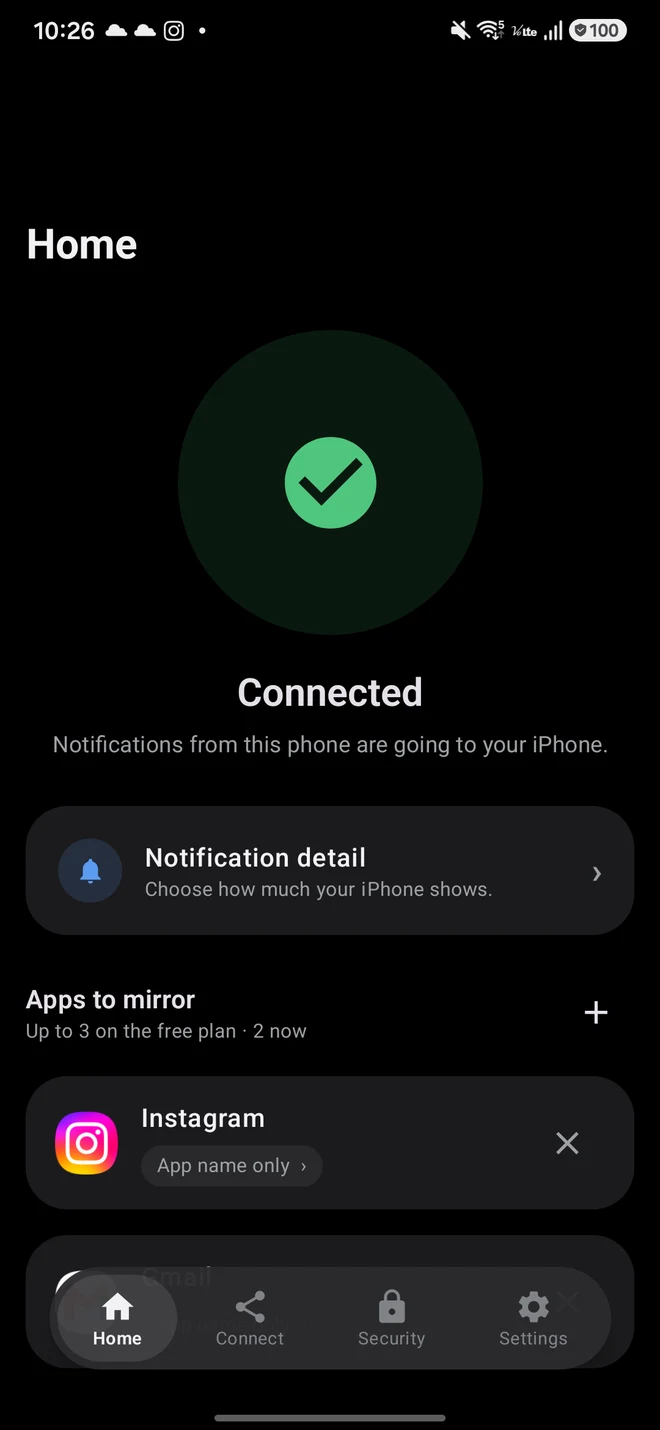
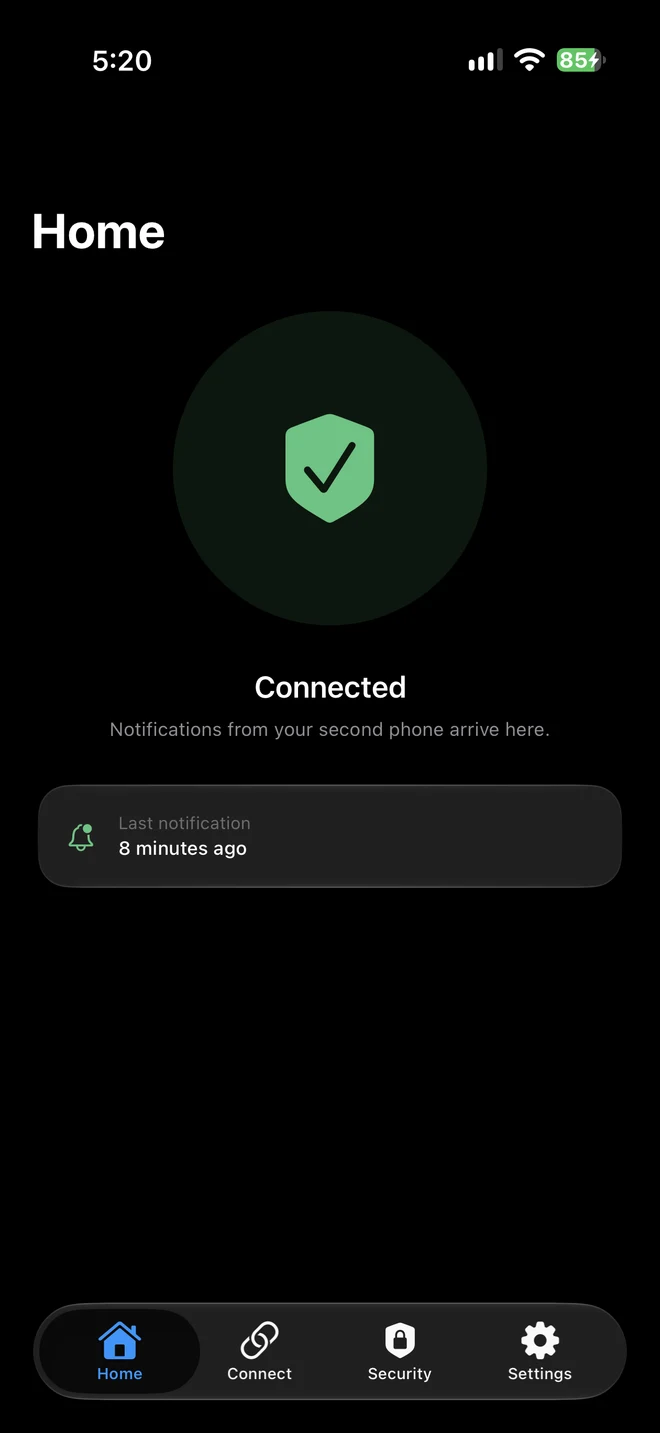

Naru
Android notifications, on your iPhone
Pair two phones with a QR code and view notifications from selected Android apps on your iPhone.
Learn moreEach one does a single job
Four different problems, one set of rules for solving them.

Ō Camera
Silent, ad-free, and sharp
Quiet moments shouldn't cost you image quality. With no ads to break your flow, and no record of your shots left in the app once you close it, your privacy stays intact.
- Silent capture without sacrificing quality
- 10× zoom and video recording
- Full-screen by default, with adjustable aspect ratios
- Nothing you shot remains visible in the app after you close it

Budget
Know what you can spend, instantly
Most budgeting apps are crowded with features you'll never touch. This one does a single thing well: log an expense fast, and see exactly what you have left to spend.
- Log income and expenses in a single tap
- See your live balance right on the home screen
- Automatic handling of subscriptions, fixed costs, and payday
- Monthly spending charts and month-over-month comparison

Mobu
Practice property investing, risk free
Curious about property investing but unsure where to start? Build your instincts before you spend real money. Mobu uses publicly available transaction data for Seoul apartments so you can buy and sell as many times as you like.
- See apartments across Seoul and the last three months of trades on a map
- Pick a building and unit size, then buy and sell as you would for real
- Price charts by unit size and return comparisons by district
- Compete on a leaderboard ranked by realised gains

Naru
Android notifications, on your iPhone
Using an Android phone for work and an iPhone for yourself? Naru sends notifications from the Android apps you select to your iPhone. Install it on both phones and pair them with a QR code. Delivery works in one direction: Android to iPhone.
- Android sends, iPhone receives; pair the phones with a QR code
- Free: select up to 3 apps and forward app names only
- Android Pro: unlimited selected apps, with sender and message content
- Choose per app: block, app name, sender, or message content
- End-to-end encryption, with optional verification-code masking