Our apps

Naru

Android notifications, on your iPhone

Two phones, one place for notifications

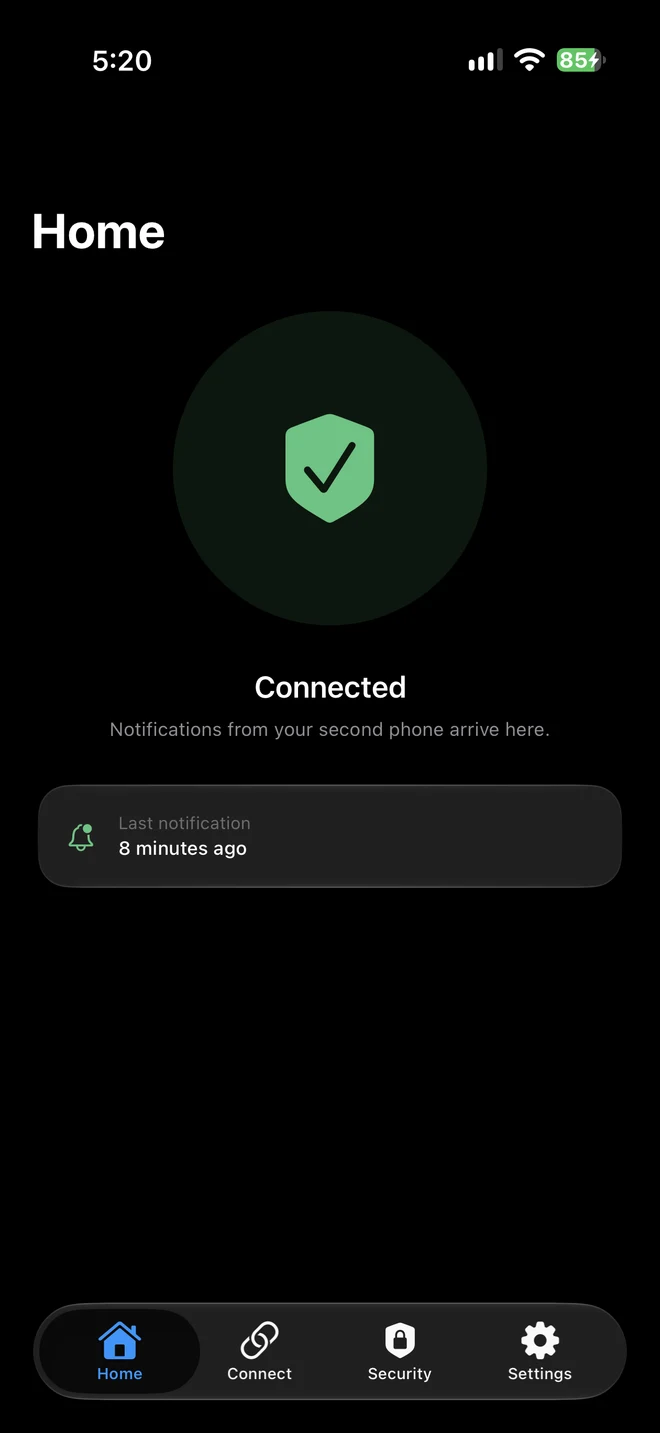
Using an Android phone for work and an iPhone for yourself? Naru sends notifications from the Android apps you select to your iPhone. Install it on both phones and pair them with a QR code. Delivery works in one direction: Android to iPhone.

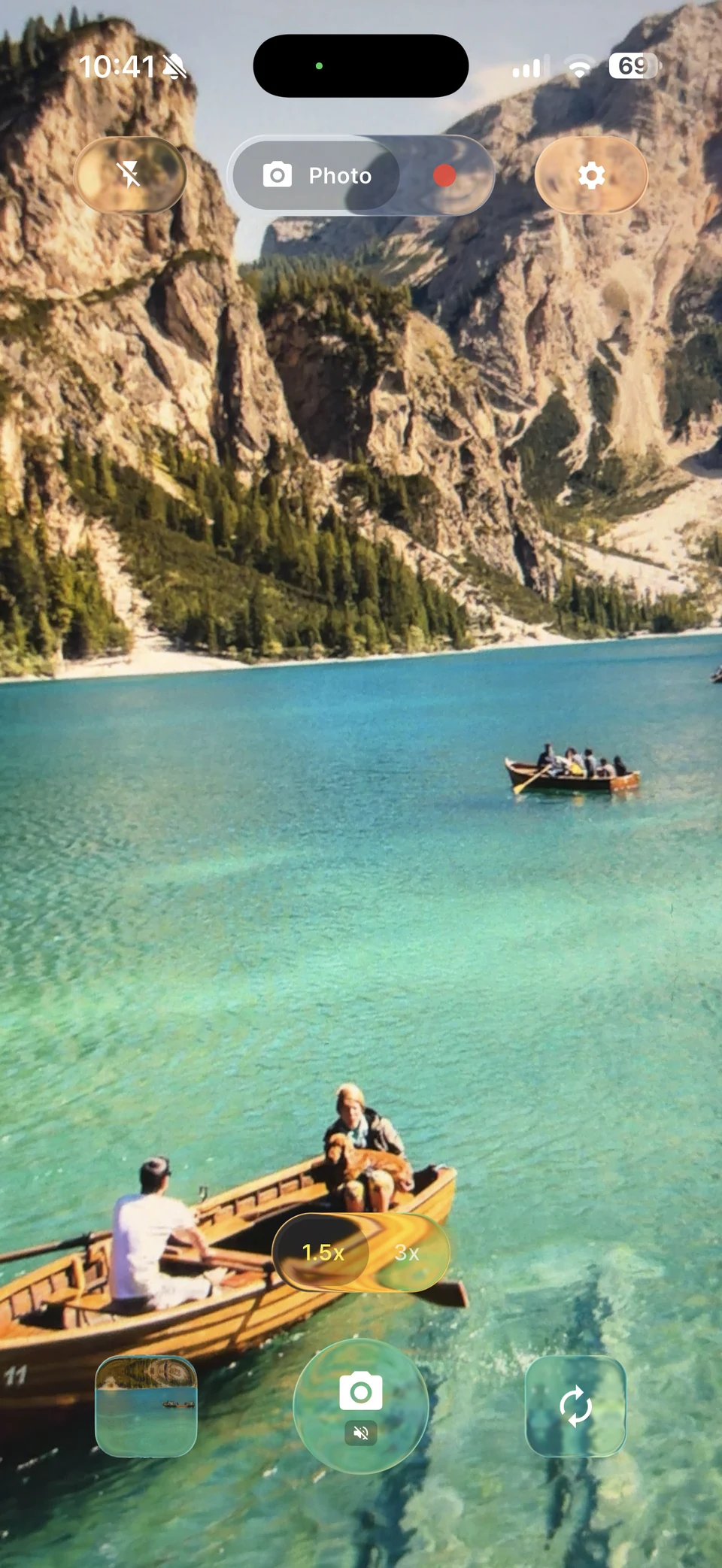
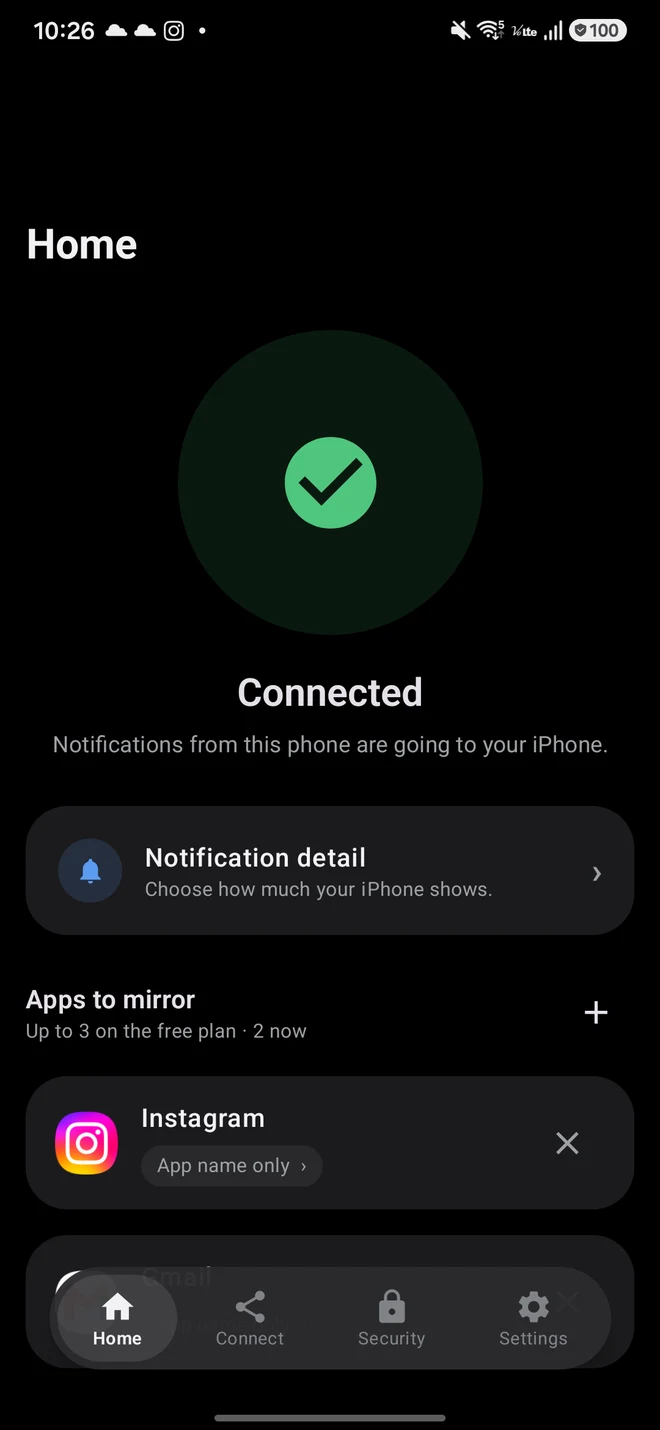
AndroidSending phone
Android · sending screen
iPhoneReceiving phone
iPhone · receiving screen

Connect your two phones

You need Android 9 or later, an iPhone with iOS 18 or later, and an internet connection on both phones.

  1. Install on both phones

    Install the sending app on Android and the receiving app on iPhone. No DESAIL account is needed.

  2. Show the QR code on iPhone

    Open the pairing screen on iPhone to display its QR code. It contains private pairing information, so do not share it.

  3. Scan with Android

    On Android, open the pairing screen and scan the QR code shown on your iPhone. Camera permission is required.

  4. Allow notifications and choose apps

    Allow notification access on Android and choose the apps to forward. Allow notifications on iPhone too. App name is the default forwarding level.

  5. Check a test notification

    Send a test notification to check the connection. If it does not arrive, check internet access, notification permissions, and Android battery restrictions.

Choose a level for each app

Choose block, app name, sender, or message content. App name is the default. Free features forward app names from up to 3 selected apps. Android Pro supports unlimited selected apps and sender or content forwarding. Verification-code masking is optional and off by default.

  • Android sends, iPhone receives; pair the phones with a QR code
  • Free: select up to 3 apps and forward app names only
  • Android Pro: unlimited selected apps, with sender and message content
  • Choose per app: block, app name, sender, or message content
  • End-to-end encryption, with optional verification-code masking
Android → iPhone
Android → iPhone
Android 9 or later · iOS 18 or later
Android 9+ · iOS 18+
App languages
Korean · English · Japanese · Traditional Chinese
Released
September 15, 2026

Free features and purchases, by phone

Sending phone

Android · sender

Free: up to 3 selected apps, app names only

Launch price

₩5,900

Regular price ₩9,900

Pro: launch price ₩5,900 · regular price ₩9,900

A one-time purchase, not a subscription. Pro removes the selected-app limit and enables sender and message content forwarding.

Receiving phone

iPhone · receiver

Free · no in-app purchases

Prices shown are for Korea. Check Google Play for pricing and purchase availability in other regions.

Choose what you forward

Notifications are sent with end-to-end encryption. The relay server does not store notification message content. It stores a connection ID, push token, authorisation-key hash, and registration time to enable delivery. Choose a forwarding level for each app and optionally mask verification codes. See the privacy policy for retention and deletion details.

Before you connect

Why are notifications late or missing?

Check internet access and notification permissions on both phones. Check battery and background restrictions for Naru on Android, and make sure the sending app is selected. Network and operating-system conditions can delay or prevent delivery.

Will every notification arrive after I come back online?

Delivery of every notification is not guaranteed. The Android retry queue holds up to 200 items in memory for up to 2 minutes and disappears when the app process ends. Apple push messages also expire after 120 seconds, so older notifications can be missed.

What should I do after restarting my iPhone?

Unlock your iPhone once, then open Naru to check the connection. You can adjust notification previews and lock-screen visibility in iPhone settings.

Do I have to buy Pro again?

Android Pro is a one-time purchase, not a subscription. Try restoring purchases with the Google Play account used to buy it. The iPhone app is free and needs no purchase. Purchases do not automatically transfer to another account or platform.

Does unpairing or uninstalling immediately delete server data?

Unpairing requests server deletion, but connection information can remain if the phone is offline or the request fails. Uninstalling alone does not guarantee server deletion. Contact support about deletion; do not send QR codes, secret keys, or personal notification content.

For Naru support, tell us your devices, OS versions and the step where the issue occurred. Do not send QR codes, secret keys or personal notification content.

Support
Where to get it

Naru

You need Android 9 or later, an iPhone with iOS 18 or later, and an internet connection on both phones.